THE HOME SCREENA familiar place
SOURCE UI CAPTUREA familiar place
to begin.
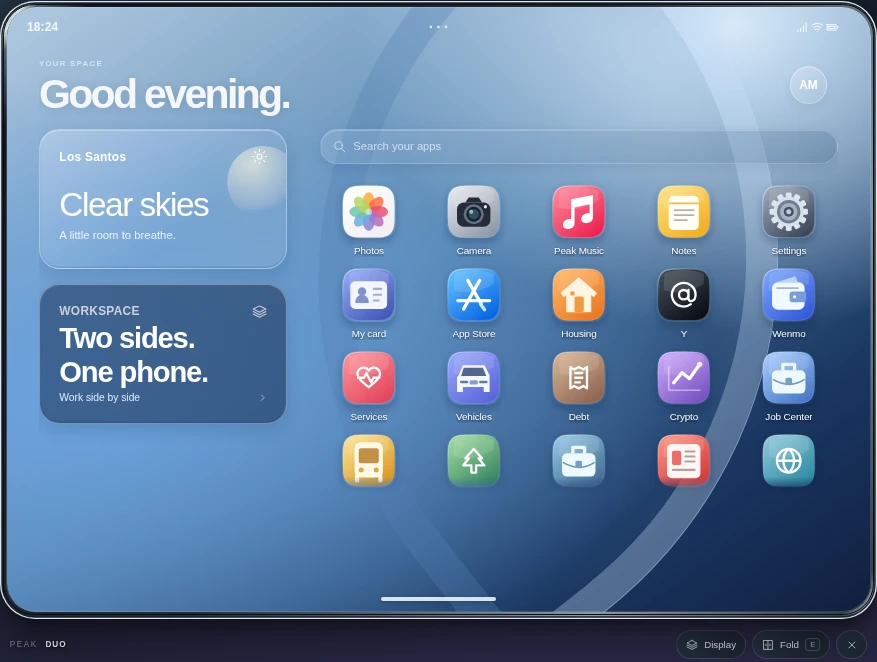
The script’s greeting, weather card, app search, and horizontal glass dock.

PEAK STUDIOS / PEAK PHONE
Peak Phone. A foldable phone experience for the stories you create in FiveM.
MADE FOR YOUR EVERYDAY
A meetup. A message. A moment worth keeping. Your city’s stories start with the people in them.
Move between your conversations, your social feed, and the everyday tools that keep your plans moving. Open the display when you need more room. Make the home screen your own.
A CLOSER LOOK
From your first tap to a full-width display. Take a closer look at the details that make it your phone.
The script’s greeting, weather card, app search, and horizontal glass dock.
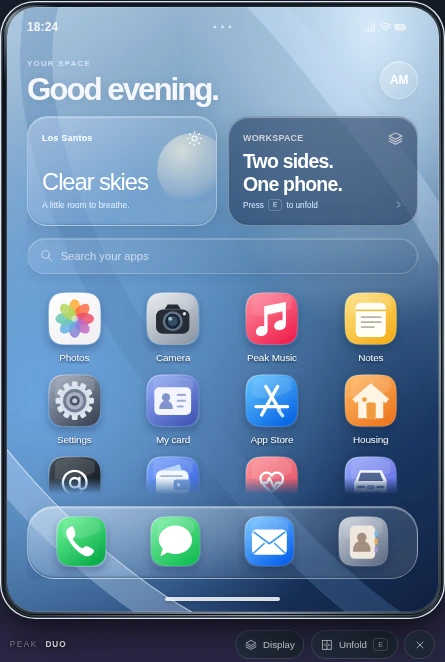
Open the device into the script’s expanded layout.
Use the original Home Screen editor to explore the available appearance and layout controls.
DON’T JUST LOOK. EXPLORE.
This is the supplied script’s browser UI running inside the page. Choose an app and take a closer look.
Original UI, sample accounts and content. No real messages, payments, calls, uploads, or live streams. Camera and microphone access are disabled. Game-dependent actions require FiveM.
THE FOLDABLE WORKSPACE
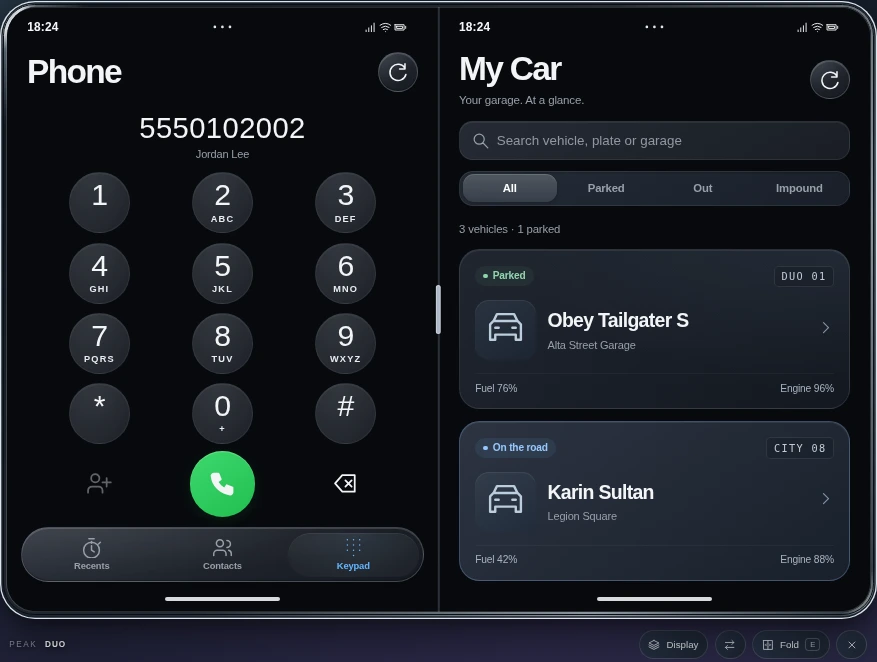
Keep two of the script’s apps in view. Or give one app the whole screen. Choose the layout that fits the moment.
INSIDE PEAK PHONE
Browse full-size captures of the actual apps. Each screen below uses the supplied UI, with preview data where a server is needed.

The original dial pad and call navigation.

The actual KiloGram feed and media layout.

Contact cards, search, and native action sheets.

Y’s original feed and profile interface.

The script’s native Calendar view.

A working original Calculator interface.
THE RIGHT EXPECTATION
The screen design is the script’s. This page uses original UI modules and source-rendered captures rather than an independently styled imitation.
The website is not a FiveM server. Accounts, conversations, posts, and gallery content are preview fixtures. In-game services depend on your framework, configuration, integrations, and the installed release.
The preview stays separate. Exploring here does not contact your game server or change player records. Camera, microphone, real payments, and uploads are not enabled.
Yes. The phone visuals are captures from the supplied script’s renderer. The interactive preview loads that renderer’s original CSS and app modules, with a browser-only data adapter. The website’s typography and sections around the phone are separate marketing design.
No. Demo conversations and social activity stay inside this browser preview. Calls, streaming, transactions, uploads, and other game services require the actual FiveM resource and its configured backend.
Yes. Use Unfold below the preview, the phone’s own toolbar, or its E shortcut while the phone has focus and you are not typing. Use the real multitasking controls to switch between full-screen and split layouts.
The preview deliberately does not pretend to complete game-dependent actions. Features that need a player, inventory, live media, SQL persistence, or a server integration retain a game-required or unavailable state.
PEAK STUDIOS / PEAK PHONE
See the interface. Explore the details.
Bring the conversation in game.